Sell 3D-printed products without holding stock.
Every sale in your Shopify store is printed piece by piece, passes a photo quality check and goes back to your store with tracking.
Connect once. After that, every sale follows the same path.
The first three steps happen once: the store when you start, each model and its sample when you add it. The other three happen with every sale.
You connect your Shopify store
Craftshop registers as a fulfillment service in your store. It only asks for permission to fulfill the orders Shopify assigns to it: it doesn't touch prices or payments.
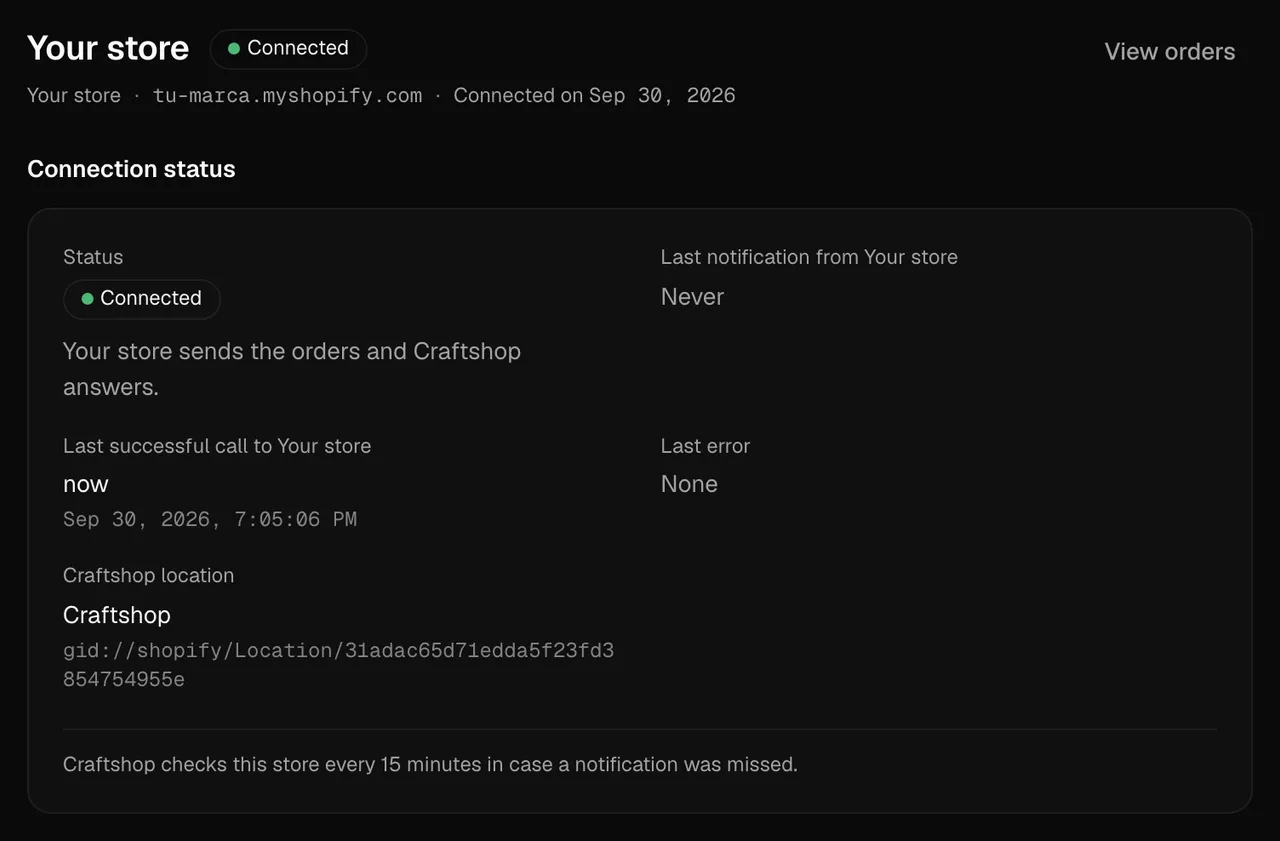
The connected store, ready to receive orders. App screenshot with example data. You upload each model once
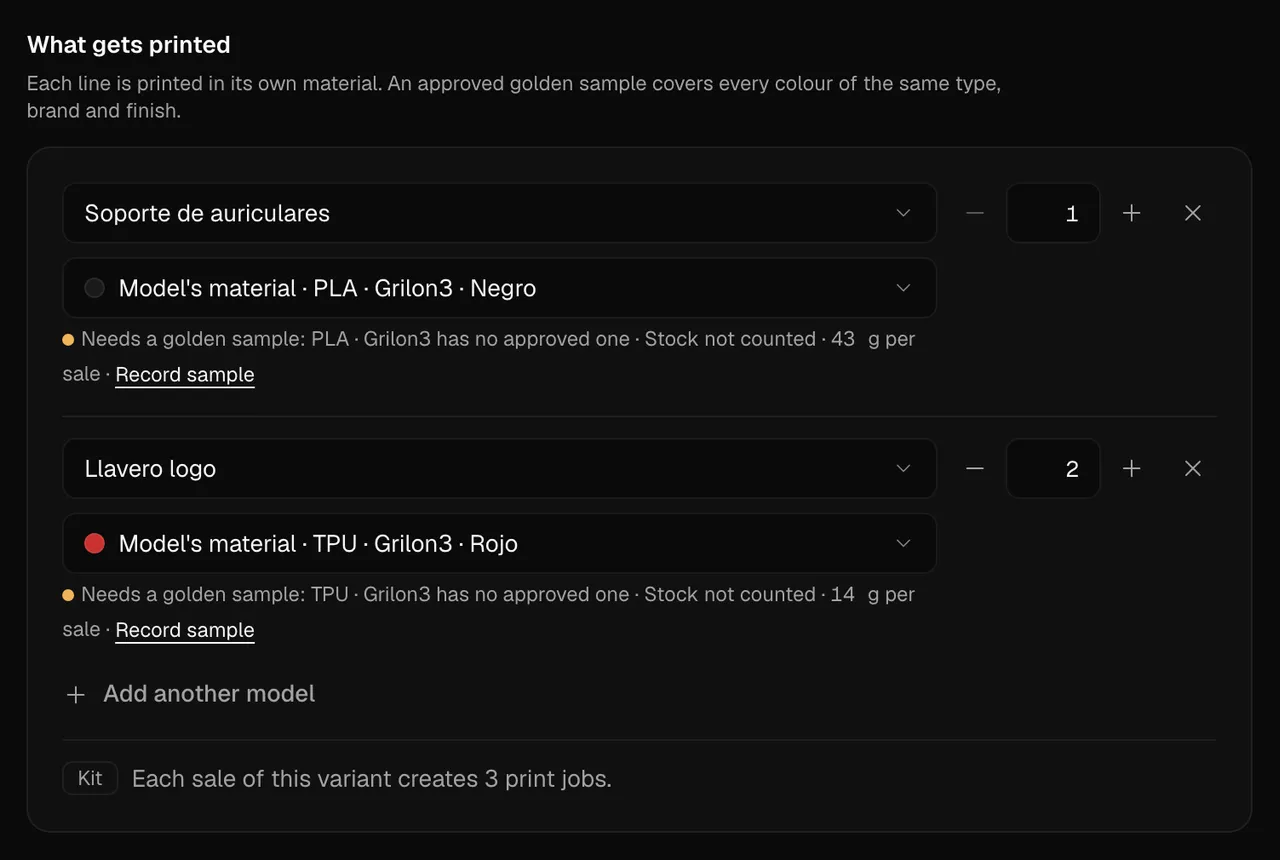
You upload the STL or 3MF with its material, profile and estimated grams and minutes, and map it to your store's variants. A kit maps to several pieces.
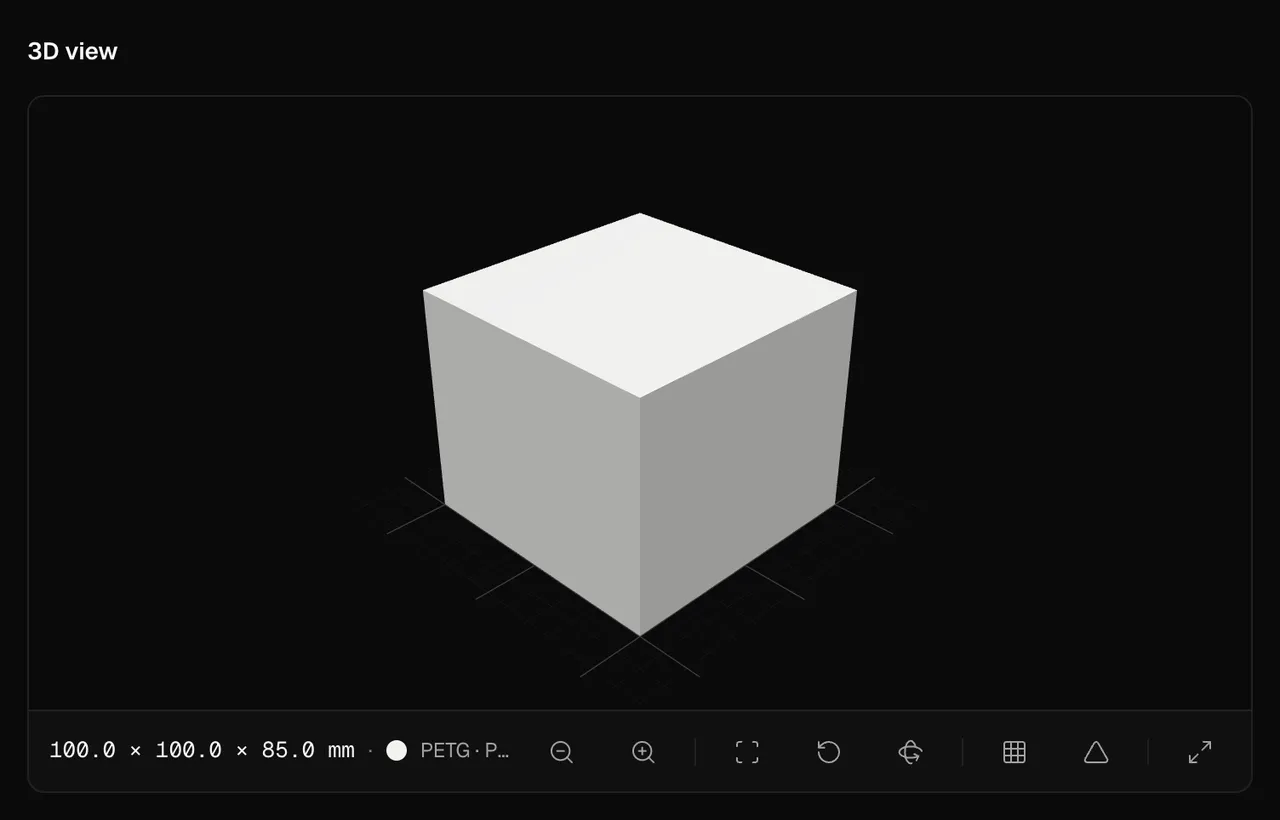
The model in the 3D viewer, with its size and its material. App screenshot with example data. You approve the sample and the price
The workshop prints one piece, photographs it and proposes a price from its rate card. Once you approve, material, profile and printer are locked and the price is agreed.
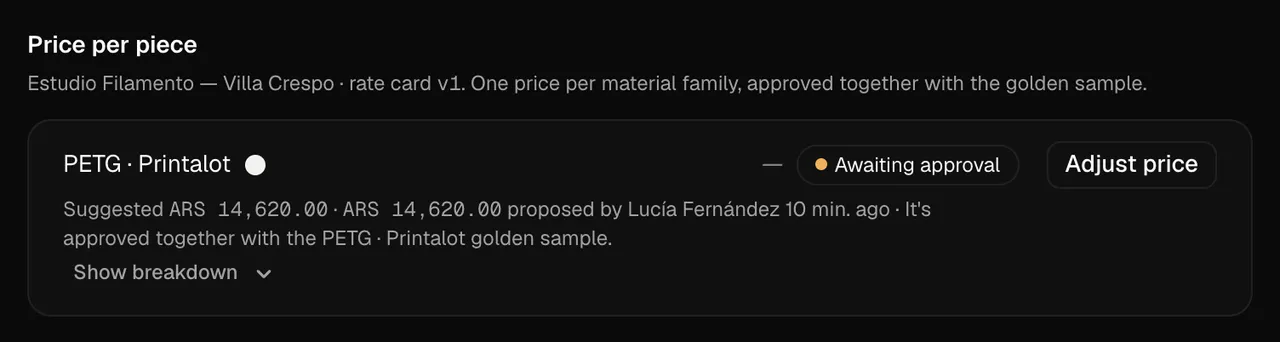
The price per piece the workshop proposes, approved together with the golden sample. App screenshot with example data. Every sale becomes jobs
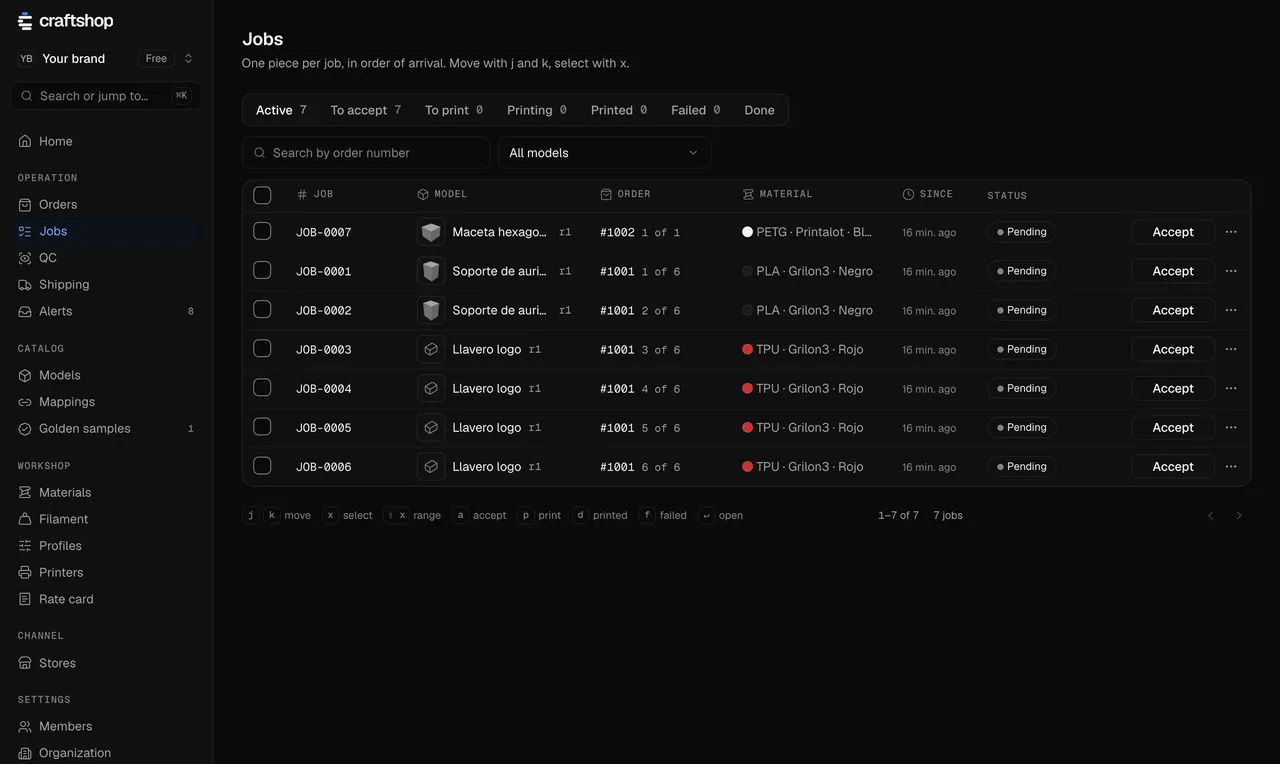
When a mapped variant sells, Shopify assigns the order to Craftshop and one job is created per piece. If a mapping is missing, the order waits and you get an alert.
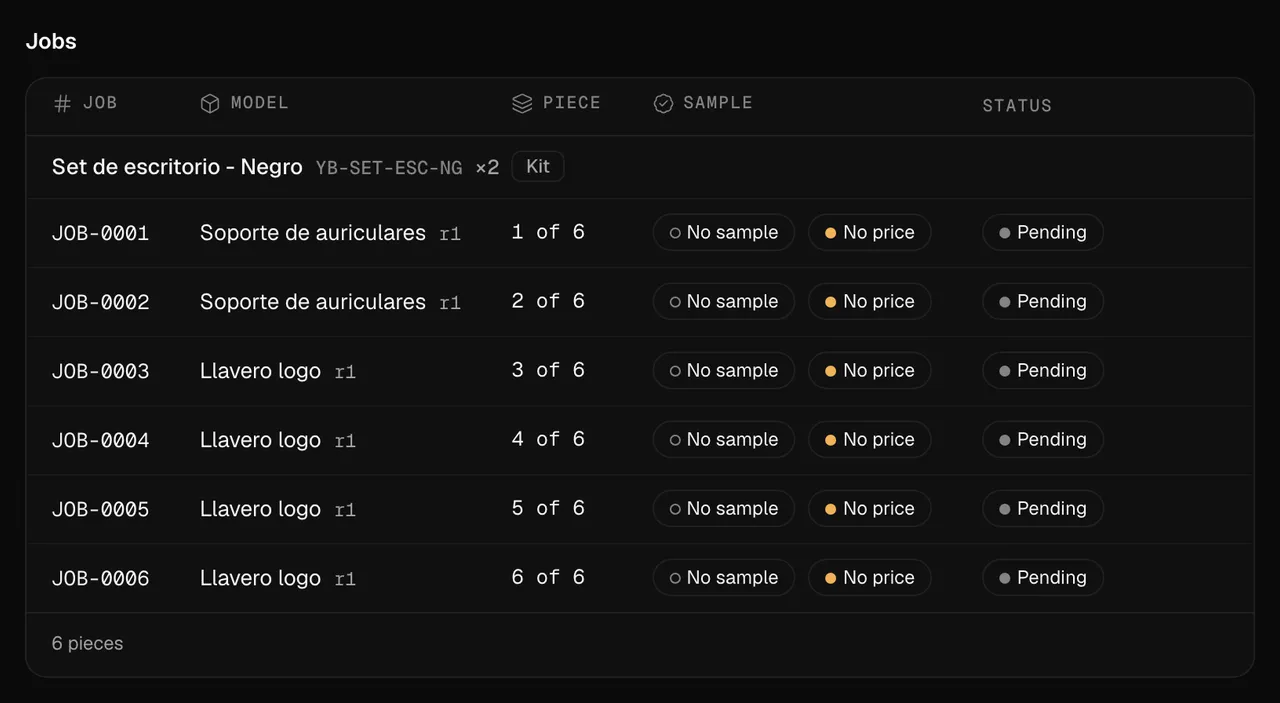
An order with its jobs, one per piece. App screenshot with example data. Nothing ships without a photo QC
Every printed piece is photographed from fixed angles, with the order card in view. The brand compares it with the golden sample and approves it or sends it back to be reprinted.
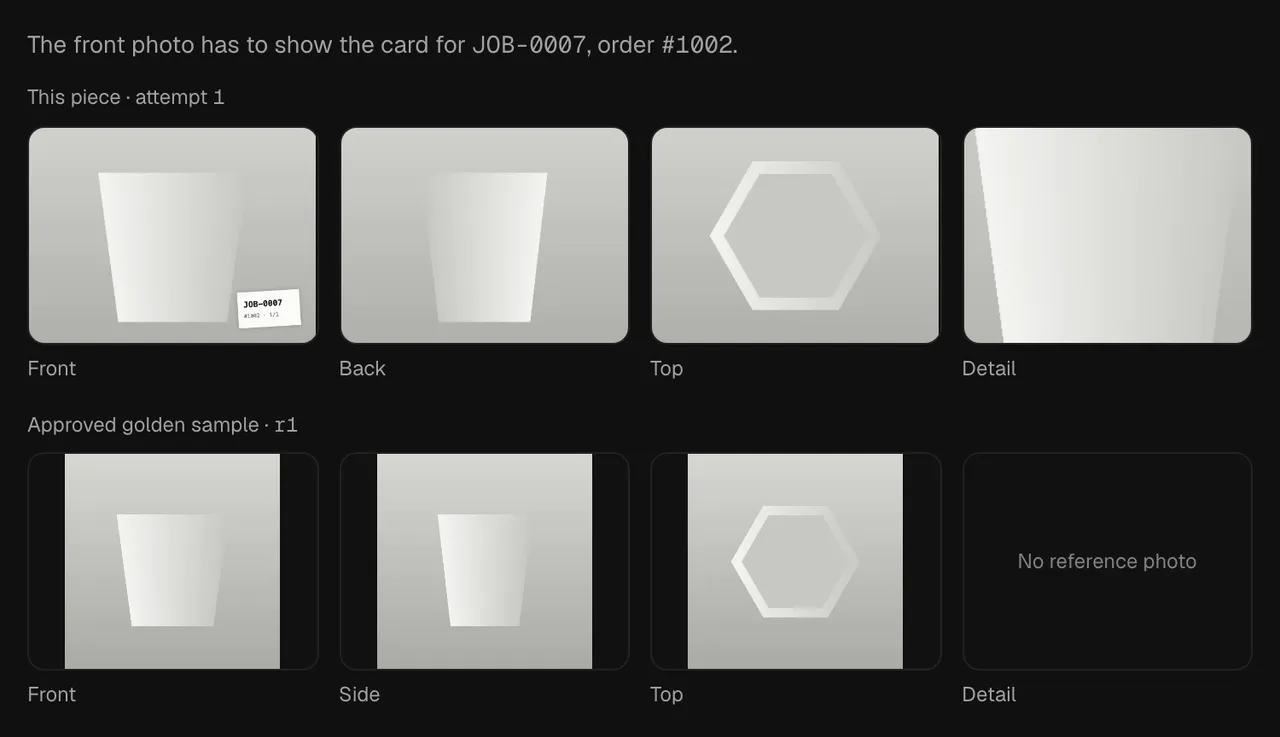
The photo review of a piece against its golden sample. App screenshot with example data. The tracking goes back to your store
The workshop enters the carrier and the tracking number. Craftshop creates the fulfillment in Shopify, and Shopify notifies the buyer as with any other order.
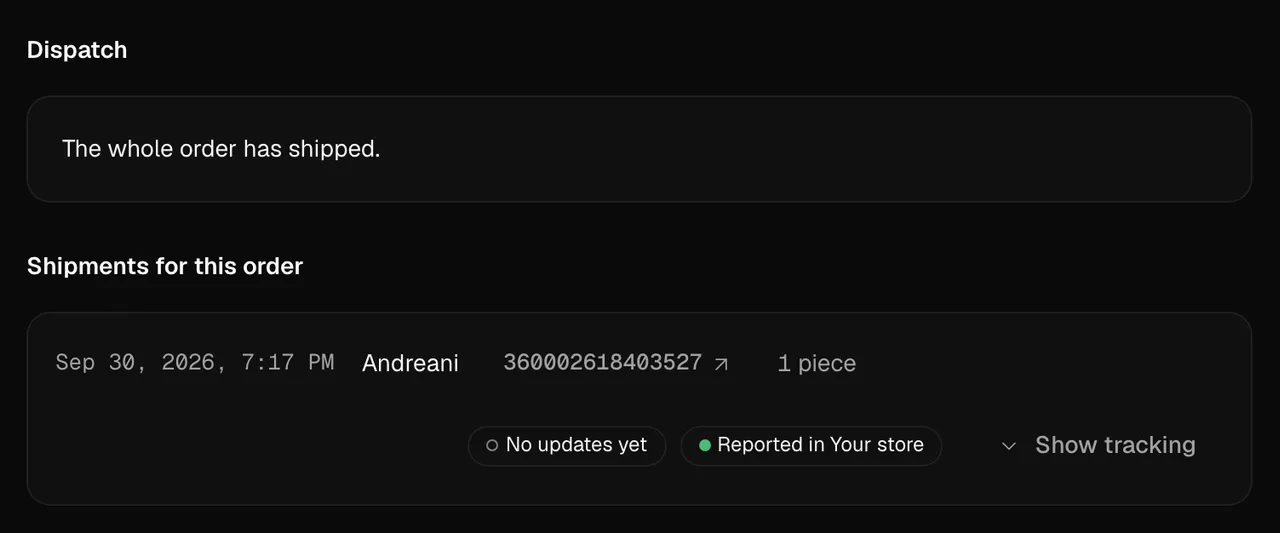
An order's dispatch with its carrier and its tracking. App screenshot with example data.
The brand and the workshop, on the same order
One organization, with a role for each. The brand follows the orders and approves; the workshop works its queue.
The brand
Owner and Admin
You map each store variant to its pieces and approve golden samples and quality checks with the photos in front of you. Every change stays in the order's history, with who made it and when.
The workshop
Operator
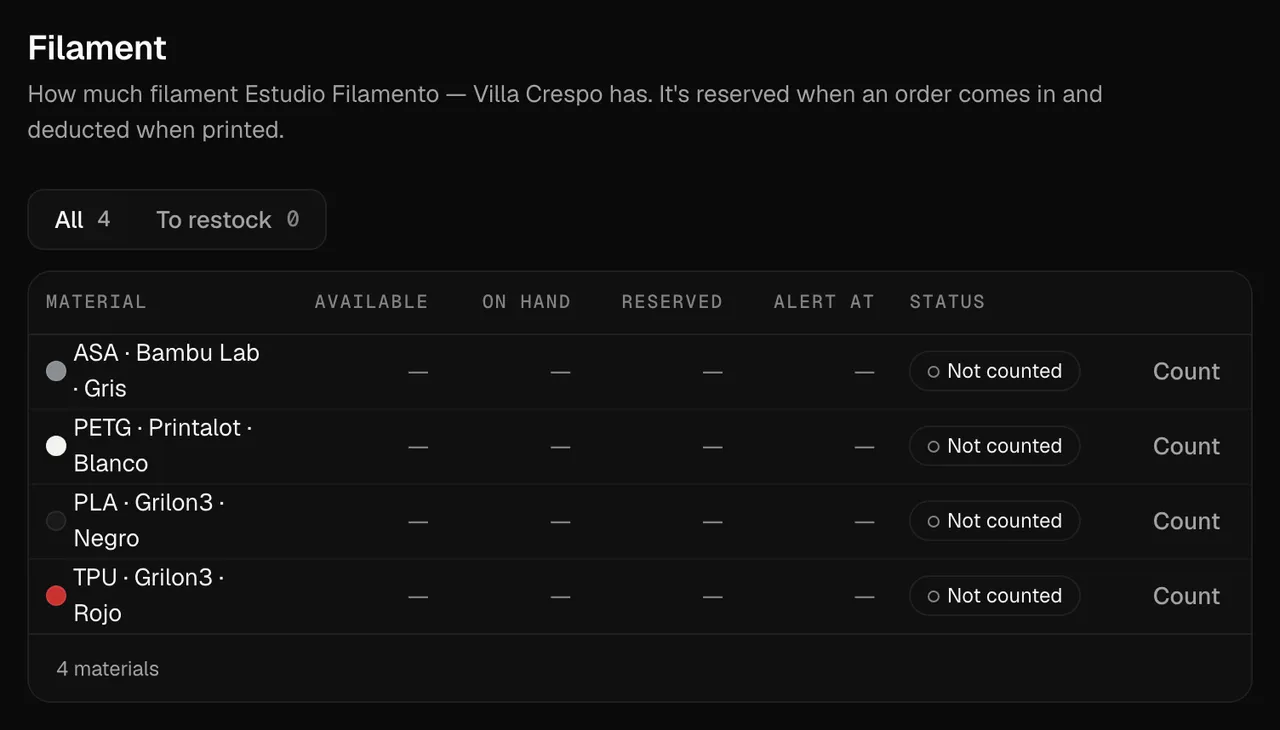
It works a queue with the material, grams and minutes of every piece, and moves each job forward one step at a time. Filament is reserved when an order comes in and deducted when it prints.
Four doors, one engine
Today orders come in from your store. The next doors feed the same circuit, so nothing changes in the workshop or in the quality check.
- In the first releaseYour storeShopify today. Tiendanube and Mercado Libre join next, each with its own integration.
- Coming soonAPISend a file and an address, and get a webhook at every stage.
- Coming soonAgents (MCP)An agent connected over MCP looks up orders and moves jobs forward with your account, without skipping checks.
- Coming soonInstant quoteUpload a file and see the price and lead time right away, no store needed.
The same engine: one job per piece, golden sample, photo QC and dispatch with tracking.
Where you sell and how you ship
Each store and each carrier comes in through its own integration. This is what works today and what's coming.
Stores
- In the first release
Shopify
- Coming soon
Tiendanube
- Coming soon
Mercado Libre
Shipping
- In the first release
Manual entry
Andreani, Correo Argentino, OCA or another
- Coming soon
Zipnova
- Coming soon
Envíopack
Let your next sale follow the same path.
Whether you already sell or are about to open your store, we help you sell with minimal risk. You create your brand, choose who prints your pieces and connect Shopify; from there, every sale reaches the workshop on its own.